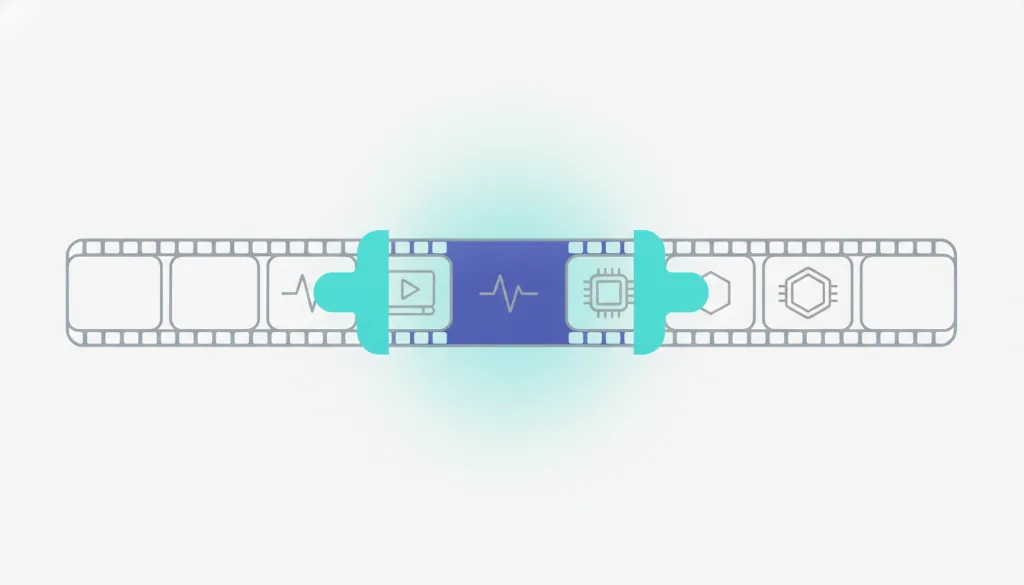
Trim video (cut the start and end)
Cut off the head and tail, keep the middle — no re-encode, near-instant, no quality loss.
Stream copy doesn't re-encode — near-instant, no quality loss; the start snaps to the nearest keyframe.
Your screen recording has ten seconds of waffle at the start, or you forgot to stop it at the end — just cut it.
Trim video
- 1Drop in or select a video file.
- 2Set the start time and end time (the segment in between is kept).
- 3Click Trim. ConvertMeow stream-copies by time without re-encoding.
- 4Download the trimmed clip. All local, near-instant.
Trim video
- No re-encode, no quality loss: it stream-copies at keyframes, slicing time without recompressing, so the cut clip is as sharp as the original.
- Practically instant: skipping the heaviest step (encoding) means even a few-hundred-MB video trims in seconds.
- The video stays local: trim a screen recording or private clip and send it without it ever hitting a server.
Frequently asked questions
Trimming uses stream copy — it doesn't re-encode the picture, it just copies the data for the chosen time range as-is, so it's near-instant. Compression has to re-encode every frame to a lower bitrate, which is far more work and therefore slower.
Stream copy cuts at the nearest keyframe, so the start can snap to a nearby keyframe and be off by a fraction of a second (the inherent trade-off for no re-encode — you get speed and zero quality loss). For frame-exact editing you need editing software that re-encodes.
Updated · ConvertMeow team
Sources, review and limits
Last verified
2026-06-17
Author
ConvertMeow editorial desk
Reviewer
Browser media tooling review
Primary sources
- Browser File, Canvas, Audio and Video APIs
- Open-source client-side conversion libraries where a format needs a parser or encoder
- User-provided files processed in the browser
Conversion output depends on the original file, browser support and codec limits. Use the exported file for convenience, and verify mission-critical media in your own workflow.