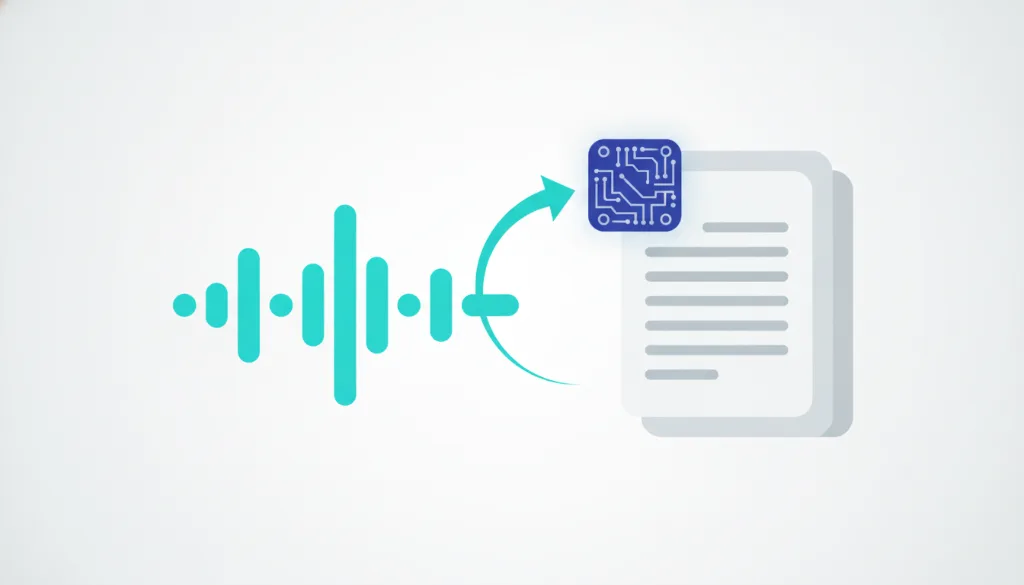
Speech to text & subtitles (in-browser, no upload)
Turn audio or video into text and export timestamped SRT / VTT subtitles — all local, never uploaded.
Model
English-only, about 40 MB, the fast and reliable default.
First run downloads the Whisper model (tens of MB), then it is cached in your browser for instant reuse. Audio is decoded and transcribed on your device; the file is never uploaded.
Turn an interview recording, an online lecture or a short clip's speech into text — or add subtitles to a video.
How to use transcribe / subtitles
- 1Drop in or select an audio or video file (MP3 / WAV / M4A / MP4 / MOV and more).
- 2Pick a model: the default English (fast) is most reliable; switch to Multilingual for other languages.
- 3Click Transcribe. The first run downloads the Whisper model (tens of MB, then cached), then decodes and transcribes locally.
- 4Read the transcript and download .txt / .srt / .vtt (subtitles are timestamped). The file was never uploaded.
Why use ConvertMeow's Transcribe / subtitles?
- The file stays on your machine: audio/video is decoded and transcribed in your browser, so interviews, meetings and unreleased footage never touch a server.
- Subtitles out of the box: export timestamped SRT / VTT ready for CapCut, Premiere or YouTube — no manual syncing.
- Free, unlimited, no watermark: an hour transcribes like a minute, with no per-minute billing and no length cap.
Frequently asked questions
The default English model is quite accurate on clear English speech. For other languages, switch to the Multilingual model — it handles many languages but downloads larger and runs slower. Either way, heavy background noise, strong accents or people talking over each other lower accuracy, so read through the result before relying on it.
SRT and VTT are standard timestamped subtitle formats. SRT is recognized by virtually every editor (CapCut, Premiere, DaVinci); VTT is the standard for web <track> captions. Just download and import into your editing project or player — the timing is already aligned.
Whisper needs 16kHz mono audio, so ConvertMeow first decodes and resamples your file to that spec in the browser before feeding the model — a step that's essential for accurate timestamps. It also means video files are fine: it just takes the audio track.
No upload — the audio/video is processed in your browser on your device and never leaves your machine. There's no hard length limit, but very long files (an hour or two) use more memory and run slower, and the browser has a memory ceiling; for very long material, split it into segments and transcribe each.
Updated · ConvertMeow team
Sources, review and limits
Last verified
2026-06-17
Author
ConvertMeow editorial desk
Reviewer
Browser media tooling review
Primary sources
- Browser File, Canvas, Audio and Video APIs
- Open-source client-side conversion libraries where a format needs a parser or encoder
- User-provided files processed in the browser
Conversion output depends on the original file, browser support and codec limits. Use the exported file for convenience, and verify mission-critical media in your own workflow.